urbannest.studio


React Native and Flutter apps sharing a single codebase across iOS, Android, and web — with native modules dropped in exactly where performance demands them.
Around 85% of code written once, not twice.
Native modules for the parts that genuinely need them.
One release cycle instead of two teams and two dates.
Frame budgets enforced on real mid-range devices.

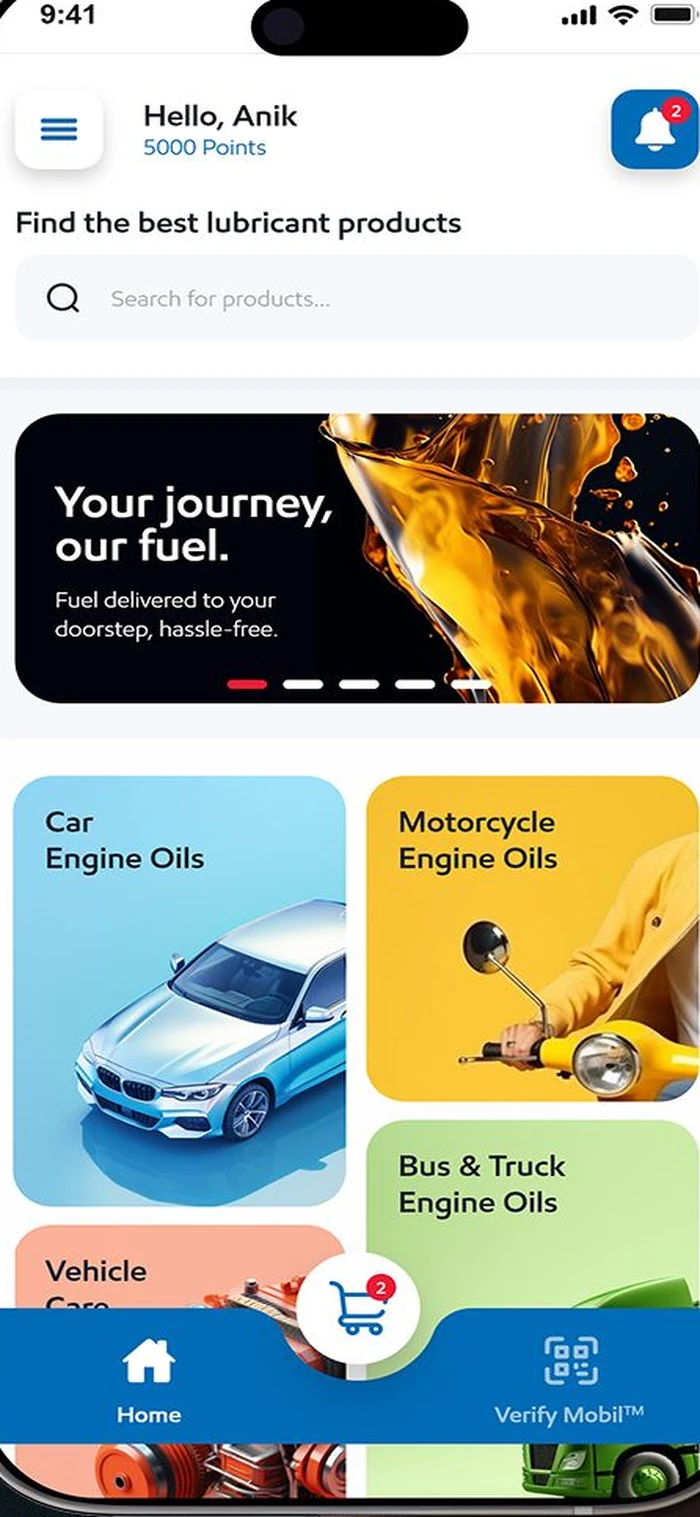
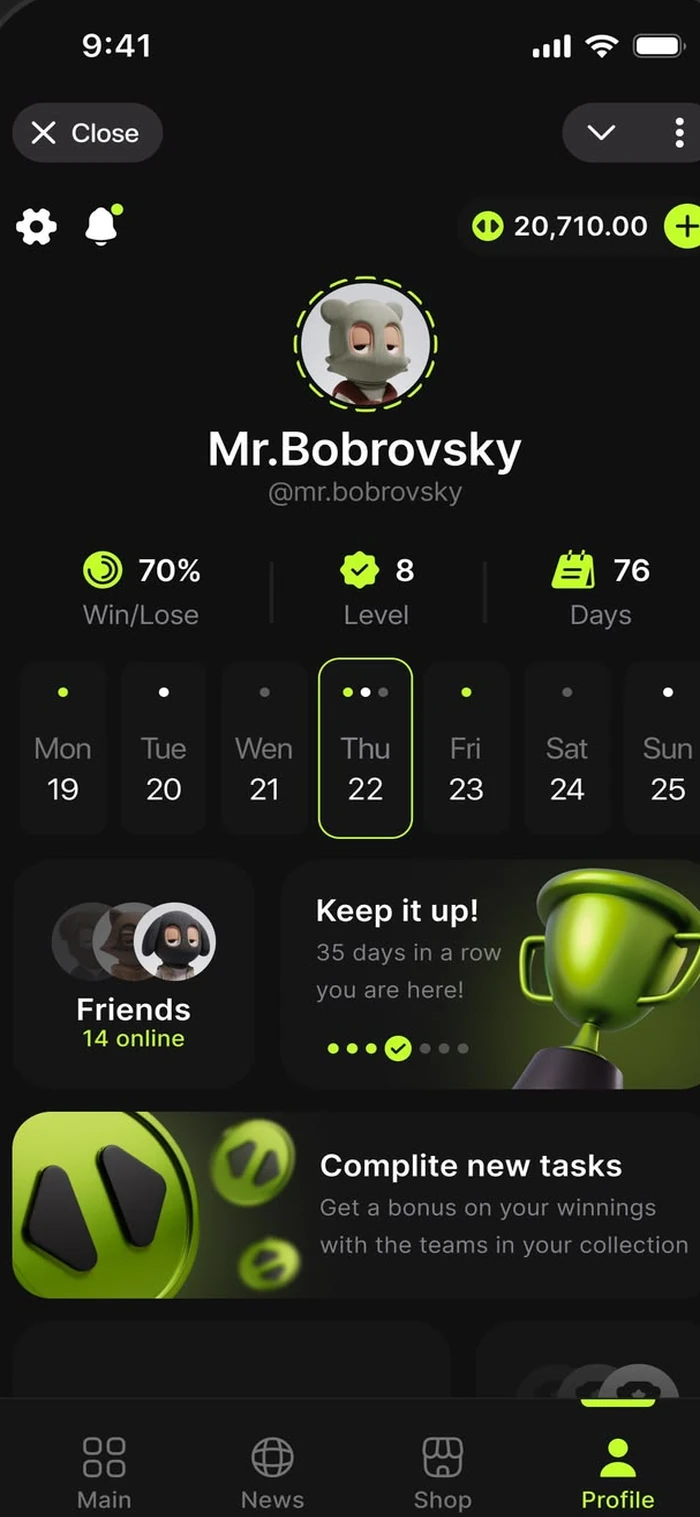
Switch platform and watch the same screen adopt each system’s own conventions — iOS gets its typography and sheet behaviour, Android gets Material controls, web gets a pointer-first layout.
On iOS the app uses real UIKit primitives underneath — native navigation transitions, system sheets, haptics, and Dynamic Type. Users who have never heard of React Native cannot tell, which is the entire point.
The most common cross-platform failure is shipping an iOS design to Android users. Buttons, dialogs, back-button behaviour, and typography all follow Material guidelines here, from the same shared codebase.
Tablets are where lazy cross-platform apps look worst — a phone layout scaled up with enormous whitespace. Responsive breakpoints in the shared codebase give tablets a genuine multi-column layout instead.
React Native Web and Flutter Web let a large part of the same component tree render in a browser. It will not always be the right call — but where it fits, it is a third platform for a fraction of a third of the cost.
“Write once, run anywhere” was always marketing. Here is what the split genuinely looks like on the apps we ship, by layer.
Weighted across a typical app, that lands around 85% shared. The remaining 15% is where the app stops feeling generic — and it is deliberate work, not a failure of the approach.
 Shared architecture
Business rules, API clients, validation, state management, and formatting logic have no reason to exist in two languages. Duplicating them is how the iOS and Android versions of an app quietly drift apart until they behave differently for the same user.
Both are excellent and we build in both. The choice usually comes down to your existing team rather than a technical winner.
| React Native | Flutter | |
|---|---|---|
| Language | TypeScript | Dart |
| Best if your team already knows | React / web | Nothing in particular |
| Rendering | Native platform components | Own rendering engine |
| Pixel-identical across platforms | ||
| Adopts platform conventions automatically | ||
| Web target maturity | Good | Improving |
| Easiest to hire for | Larger pool | Smaller pool |
| Typical bundle size | Smaller | Larger |
Short version: if you have web engineers, React Native lets them contribute on day one. If you want the app to look identical everywhere and have no existing preference, Flutter’s rendering control makes that easier. Neither choice is one you will regret.
Weighted across a typical production app, measured not estimated.
Versus building and maintaining two separate native codebases.
Enforced on mid-range Android hardware, not only flagships.
One commit produces signed builds for both stores.
 Native escape hatches
Cross-platform gets a bad reputation from teams who refused to drop to native when they should have. Heavy image processing, complex gestures, background location, and custom camera work belong in Swift and Kotlin — called from the shared codebase.
We build native apps too, and sometimes that is what we recommend. These are the cases where sharing a codebase costs more than it saves.
The platform itself is the product.
The product is the same on both platforms.
One track, not two. The platforms diverge only where they should.
Feature set, platform priorities, and the parts that will genuinely need native work identified up front.
A design system with platform variants baked in, so iOS and Android differences are decided, not accidental.
Logic, state, and screens built once. Native modules written alongside where the profiler says they are needed.
Frame timing, startup, and gesture feel tested on real devices at both ends of the price range.
One release train producing a signed iOS build and an Android bundle from the same commit.
Cross-platform is not about writing less code. It is about writing the same rule once, so both apps cannot disagree about what your product does.
Why we build this wayOne React Native or Flutter codebase powering both iOS and Android, without a second team.
Smooth, native-feeling interactions, not the sluggish feel cross-platform apps are known for.
One team maintaining one codebase, instead of two teams maintaining two apps that drift apart.
Chosen per project, and always with a path back out if the decision needs revisiting.
Usually asked by someone who has heard a cross-platform horror story.
Not if it is built properly, and that is a real condition rather than a reassurance. The tells that give cross-platform apps away are almost always avoidable: janky list scrolling, a back button that behaves wrongly on Android, iOS-style dialogs on Android, slow cold start, and animations that stutter under load. Each of those is a solvable engineering problem, and we treat them as release blockers rather than acceptable trade-offs.
For the overwhelming majority of apps — content, commerce, booking, workflow, social, dashboards — performance is indistinguishable from native when the app is built with attention to the JS thread and the render path. Where it genuinely differs is heavy graphics, sustained real-time processing, and complex custom gestures. Those get native modules, which is a normal part of the architecture rather than an admission of defeat.
Core platform APIs are usually available through the community ecosystem within weeks of release, and anything not yet wrapped can be bridged with a small native module in days. If your product depends on being first to adopt brand-new OS features every September, fully native is the more honest recommendation.
Yes — brownfield integration is well supported. New screens can be built in React Native or Flutter inside an existing native app, sharing navigation with the native parts. This is a common path for teams who want to test the approach on one feature before committing the whole product to it.
The business logic layer is the most valuable and most portable part of the codebase, and it moves across with far less pain than people expect. We also keep native modules genuinely modular so that a future migration replaces the UI layer rather than requiring a rewrite from nothing. It is a decision that stays reversible.
It depends mostly on your team. If you have React or web engineers, React Native means they contribute immediately and hiring is easier. If you have no existing preference and want pixel-identical rendering across platforms with tight control over the UI, Flutter is excellent. We build in both and will make a recommendation based on your situation rather than our comfort.
Tell us about your product — we'll show you whether cross-platform is the right call for it.
I’m looking for:
We usually reply within one business day.